September 9, 2026
You can update an asset’s tag in the Search assets section of the MyAccount portal.
You can update an asset’s tag in the Search assets section of the MyAccount portal.
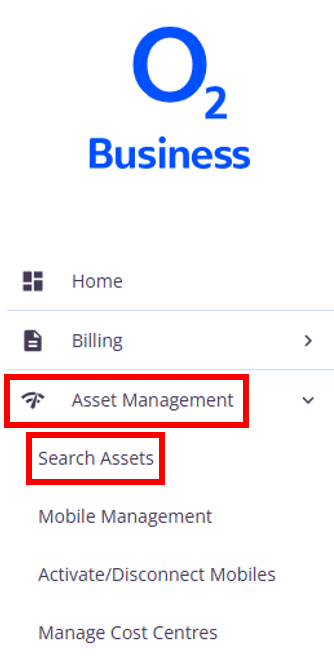
Select the Asset management menu option and then Search assets.
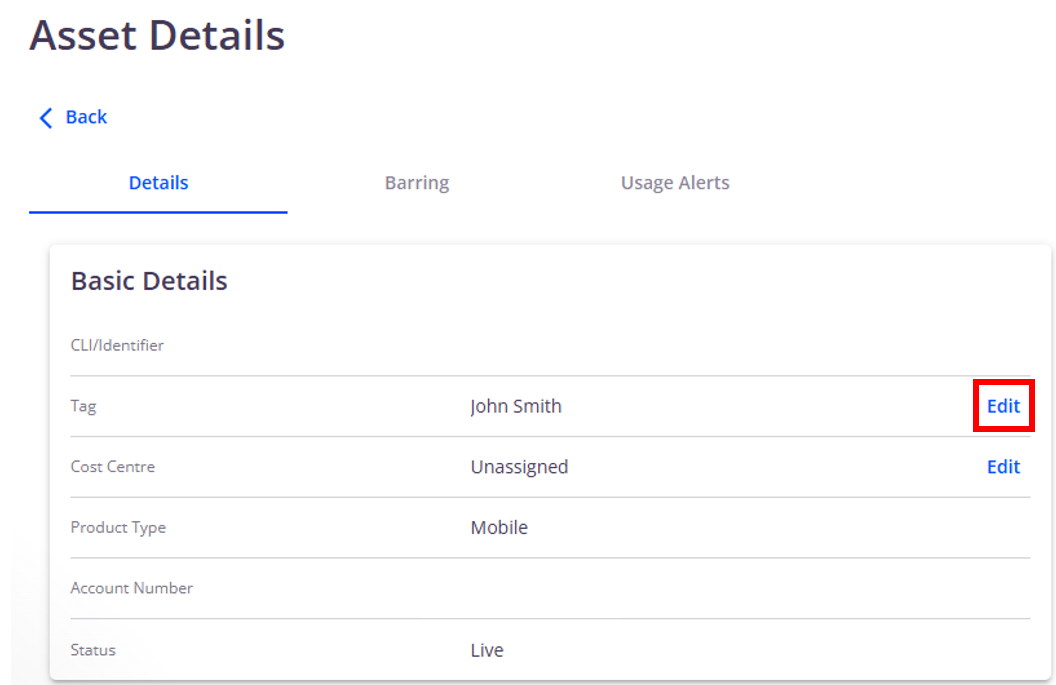
Click View next to the asset you want to update. The Tag field will display the current tag/username, which you can update using the Edit button.