
September 9, 2026
If you want to view or download a current or past invoice, you can do this through our MyAccount portal.
To log in to the portal, click here
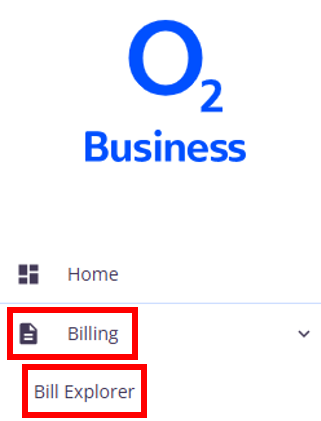
From the homepage, click Billing and then Bill explorer in the left-hand menu.
This will show a summary of your current unbilled charges as well as your latest invoices. You may need to click Load more at the bottom of the list for other invoices. You can also use the Select billing period box on the left to find an older invoice.
Once you’ve located the invoice you would like to view, you can then click the orange eye button to view or the orange cloud button to download.

