
September 9, 2026
Cost centres allow you to organise and group your charges. You can download a breakdown of charges for each cost centre from the Bill explorer every month.
Click the Asset management menu option and then Manage cost centres.

This will open the Create and manage tab where you’ll see all the cost centres on the account. From here, you can add a top level, level two or level three cost centre. You can also edit or delete existing cost centres.
An example of a cost centre could be a sales area in your business. The separate departments within sales could then be split into further categories such as Sales or Administration. For level three, this could then be split even further into different office locations, for example
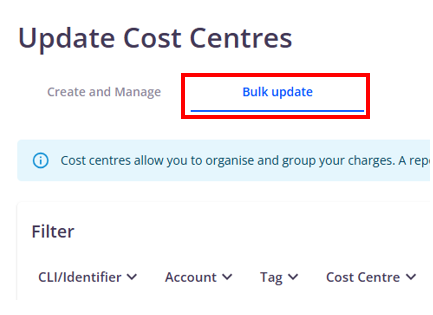
To add or remove assets from a cost centre, go to the Bulk update tab.
Select the assets you would like to update, then select the cost centre you want to assign using the Select cost centre field, then click Apply. Click Yes to confirm the change. The change will usually be applied immediately.
