
September 9, 2026
You can activate your new SIM card or eSIM yourself on the MyAccount portal.
You can read more about eSIMs here
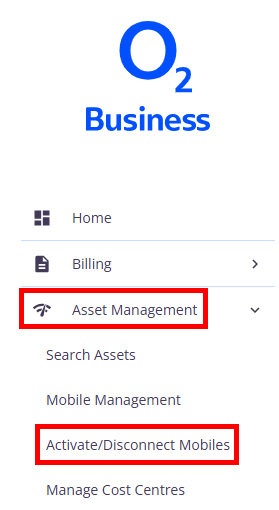
Once logged in, navigate to Asset management and select Activate/disconnect mobiles.
This page displays all SIM cards awaiting activation. If your mobile number is not displayed on this page, you’ll need to go to Mobile management to activate your SIM.
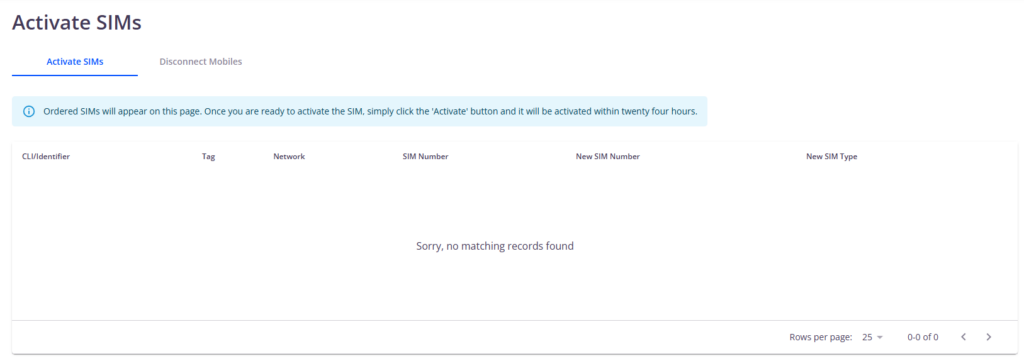
Find the SIM you want to activate, then click Activate.
Please note, it can take up to 24 hours for changes to show.
