
September 10, 2026
Bill limits allow you to prevent out of bundle charges. For more information, click here
To manage your bill limit(s), log into the MyAccount portal.
Click the Asset management menu option and then Mobile management. Find the mobile number(s) you want to update, using filters if needed, then tick the box(es) next to the relevant number(s) in the left-hand column.
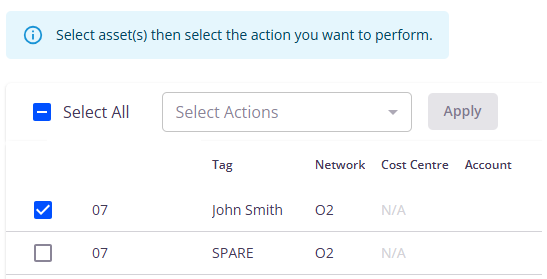
Select the Update bill limits action from Select actions then click Apply.
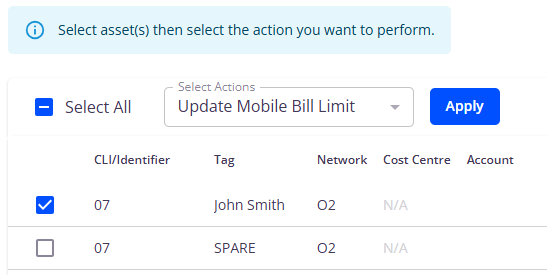
The page will display all your current month’s bill limits and next month’s bill limits.

If you’d like to clear the current month’s bill limit, select the Clear limits option and click Submit. If you’d like to set a new bill limit from next month, select the Set limit from next month option, enter your new value and then click Submit.
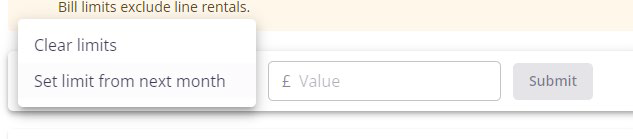
Confirm you understand the change and are happy to proceed.
You can monitor the change on the History tab in Mobile management.
