
September 9, 2026
If you want a more detailed breakdown of charges on a bill, you can use the MyAccount portal to analyse where the costs are coming from.
Log in to MyAccount, then go to Billing, Bill explorer and then Usage analysis.
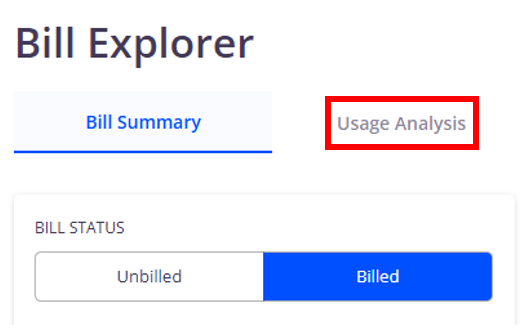
This will take you to the Itemisation view, which shows a full breakdown of all usage across all your services, such as calls made, SMS sent and mobile data used. The page will also display the units for the usage, whether the usage was included in any bundles or if it was chargeable.
You can use the filters at the top of the page to view this information for a specific cost centre or CLI.
The CLI/identifier summary tab will show a summary of usage and out-of-bundle charges across each specific service. You can also add or remove columns to view different usage types.
As with the previous section, you can use the filters at the top of the page to narrow down your search.
The Account summary tab displays any out of bundle charges for the selected period as well as total call duration and total data units. You can also add extra columns to view more totals.
The Cost centre summary breaks the usage and out-of-bundle charges down by cost centre.

You can download the information on each tab by clicking Options then Export results as CSV. Click here for more information on exporting from My Account
